
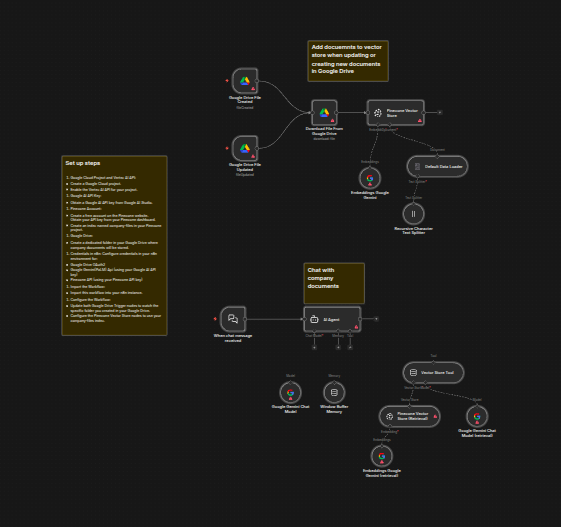
The workflow uses Google's Gemini AI for both embeddings and response generation, ensuring high-quality answers and intelligent context retrieval.
How it works
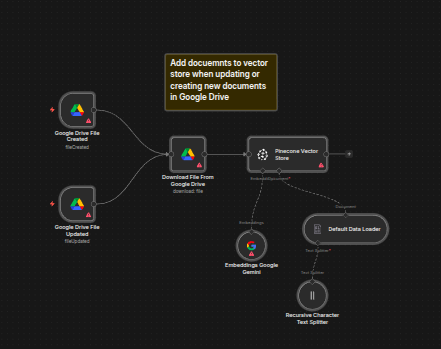
The workflow uses two Google Drive Trigger nodes: one for detecting new files added to a specified Google Drive folder, and another for detecting file updates in that same folder.
Automated Indexing: When a new or updated document is detected
- Google Drive download: The file is downloaded automatically.
- Data Loading: The Default Data Loader node loads the document content.
- Text Splitting: The Recursive Character Text Splitter breaks the document into smaller chunks.
- Embeddings: The Embeddings Google Gemini node generates embeddings for each chunk using
text-embedding-004. - Indexing: The Pinecone Vector Store indexes the chunks and embeddings in a specified index.
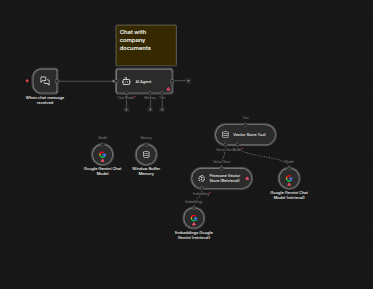
Intelligent Querying
- The Chat Trigger node receives user questions through a chat interface.
- The AI Agent node uses a Vector Store Tool to retrieve relevant text chunks from Pinecone.
- Gemini Pro generates a comprehensive answer based on the retrieved documents.
- Window Buffer Memory provides context-aware conversations.
Set up steps
Prerequisites
- Google Cloud Project & Vertex AI: Create a project and enable the Vertex AI API.
- Google AI API Key: Obtain a key from Google AI Studio.
- Pinecone Account: Create a free account, get an API key, and create an index named
company-files. - Google Drive: Create a dedicated folder for your company documents.
n8n Configuration
Update both Google Drive Trigger nodes to watch the specific folder you created in your Google Drive. Configure the Pinecone Vector Store nodes to use your company-files index.
Tools Used
- Google Drive
- Pinecone Vector Database
- Google Gemini (PaLM/Pro)
- n8n
Read more
Analyze Facebook Ads & send insights to Google Sheets with Gemini AI
Stop manually digging through Meta Ads data and spending hours trying to connect the dots. This workflow turns n8n into an AI-powered media buyer.
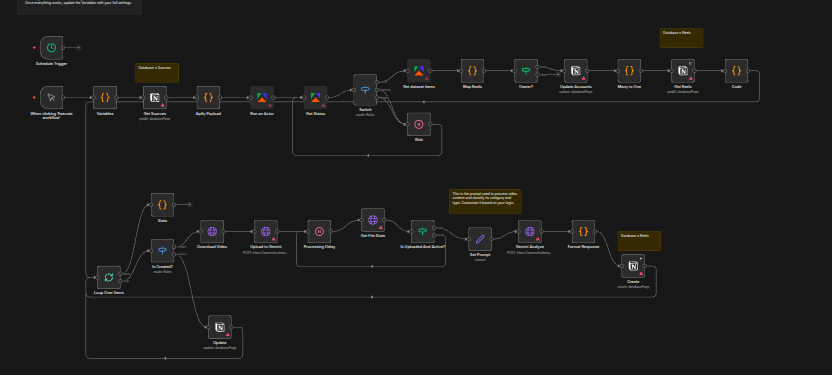
Top-performing Instagram Reels & save insights to Notion with Gemini & Apify
Learn how to discover trending Instagram Reels from competitors and organize insights into a structured Notion database using Gemini AI and Apify.
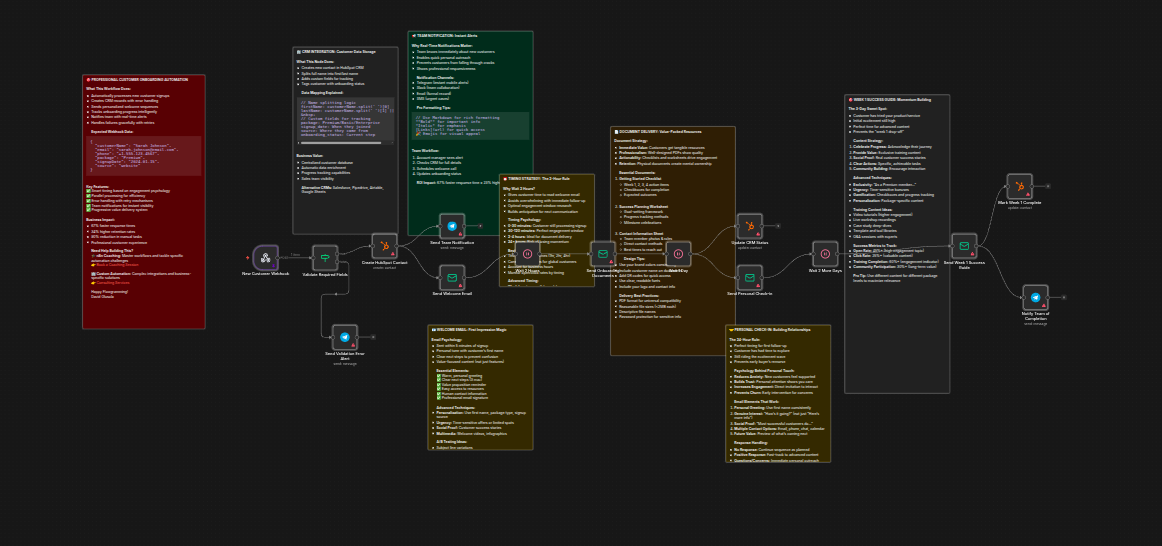
Customer onboarding automation with HubSpot, email sequences and team alerts
Learn how to automate your customer onboarding process using n8n, HubSpot, and email sequences to improve engagement and retention.