
[!NOTE] This workflow contains community nodes that are only compatible with the self-hosted version of n8n.
📺 How It Works
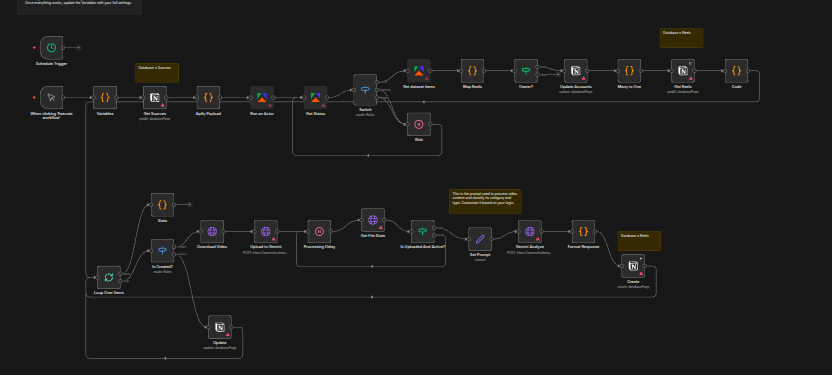
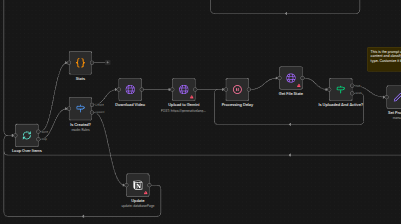
The workflow automatically monitors selected Instagram accounts using Apify, pulls recent Reels, and analyzes their performance.
- Monitor Accounts: Automatically tracks specified Instagram profiles.
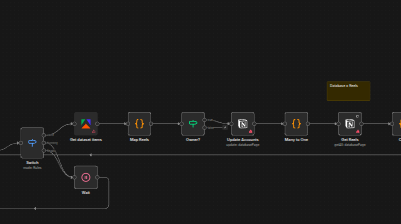
- Performance Analysis: Calculates engagement levels and detects early “hot” content.
- Translation & Organization: Translates text if needed and organizes results into a structured Notion database.
👤 Who’s it for
This workflow is for marketers, content creators, social media managers, and automation enthusiasts who want to stay ahead of Instagram Reels trends. Whether you're building a content pipeline or studying competitors, this tool saves hours of manual tracking.
🔧 How to set up
- Notion Database: Create the required databases in Notion (structure file provided).
- Workflow Import: Import the
.jsonworkflow into your n8n instance. - Credentials: Set up credentials for Notion, Apify, and Gemini API.
- Configuration: Link credentials and adjust the Variables node with your test account list.
- Testing: Run a test with 3–5 profiles and validate the output.
📋 Requirements
- An n8n instance (self-hosted or cloud)
- A Notion account
- Apify account (for Instagram scraping)
- Gemini API key
🧩 How to customize the workflow
The system is fully modular. You can define your own rules for detecting content categories, change video filters (e.g., what counts as “hot”), modify Notion fields, or switch translation languages. Each part of the workflow is clearly labeled and editable.
Read more
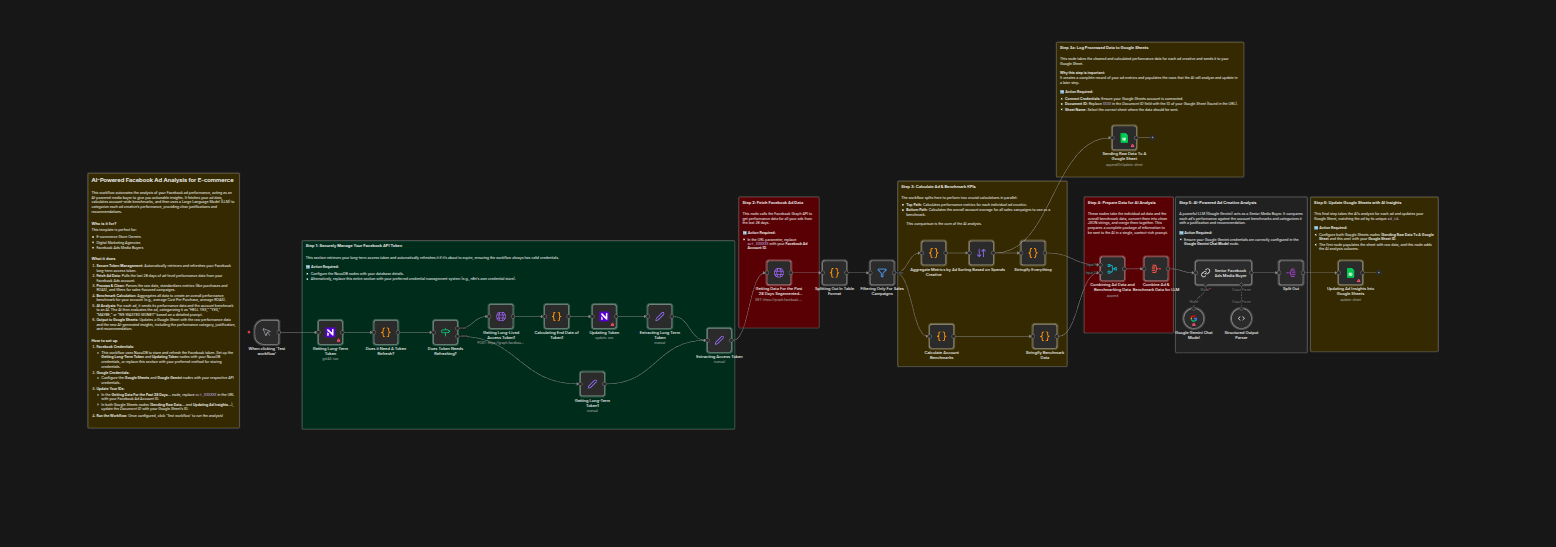
Analyze Facebook Ads & send insights to Google Sheets with Gemini AI
Stop manually digging through Meta Ads data and spending hours trying to connect the dots. This workflow turns n8n into an AI-powered media buyer.
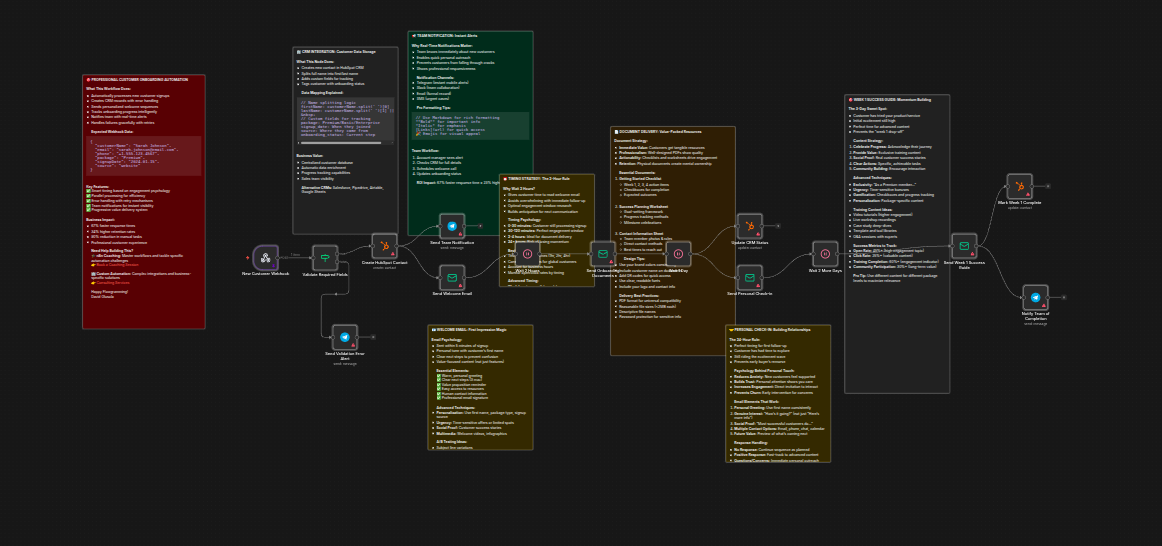
Customer onboarding automation with HubSpot, email sequences and team alerts
Learn how to automate your customer onboarding process using n8n, HubSpot, and email sequences to improve engagement and retention.
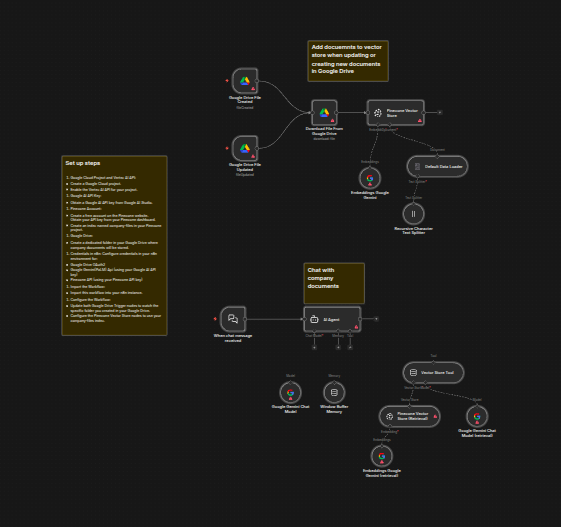
RAG chatbot for company documents using Google Drive and Gemini
Implement a Retrieval Augmented Generation (RAG) chatbot that answers employee questions based on company documents stored in Google Drive using Gemini AI.